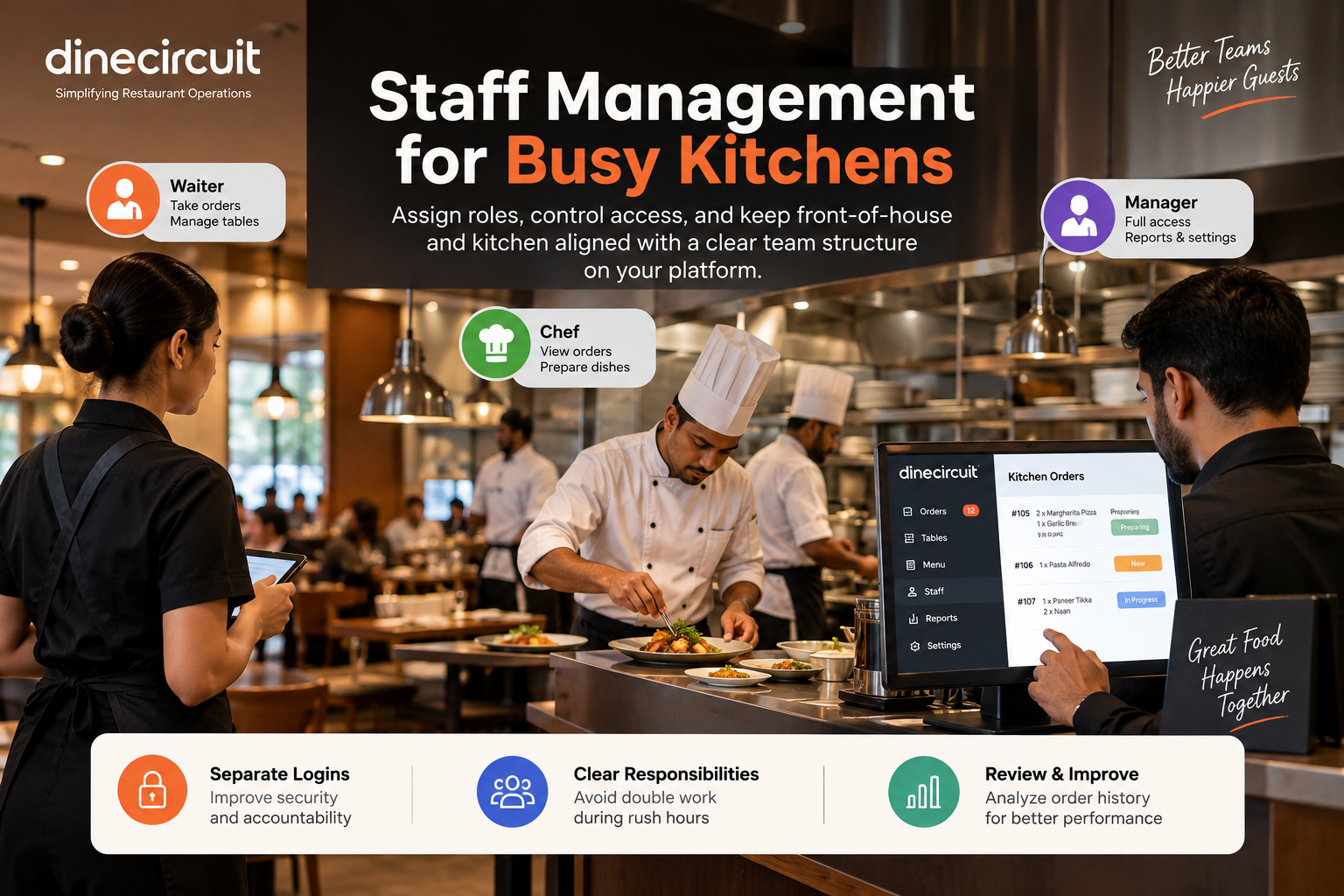
Team
Restaurant Staff Management Best Practices
Assign roles, control access, and keep front-of-house and kitchen aligned with a clear team structure on your platform.
DineCircuit is restaurant management and POS software for menus, QR ordering, tables, staff, payments, and sales — one platform to run your restaurant online. See simple pricing, read restaurant management insights, or learn about DineCircuit.
Features
Restaurant POS software and QR ordering tools designed for modern restaurants.
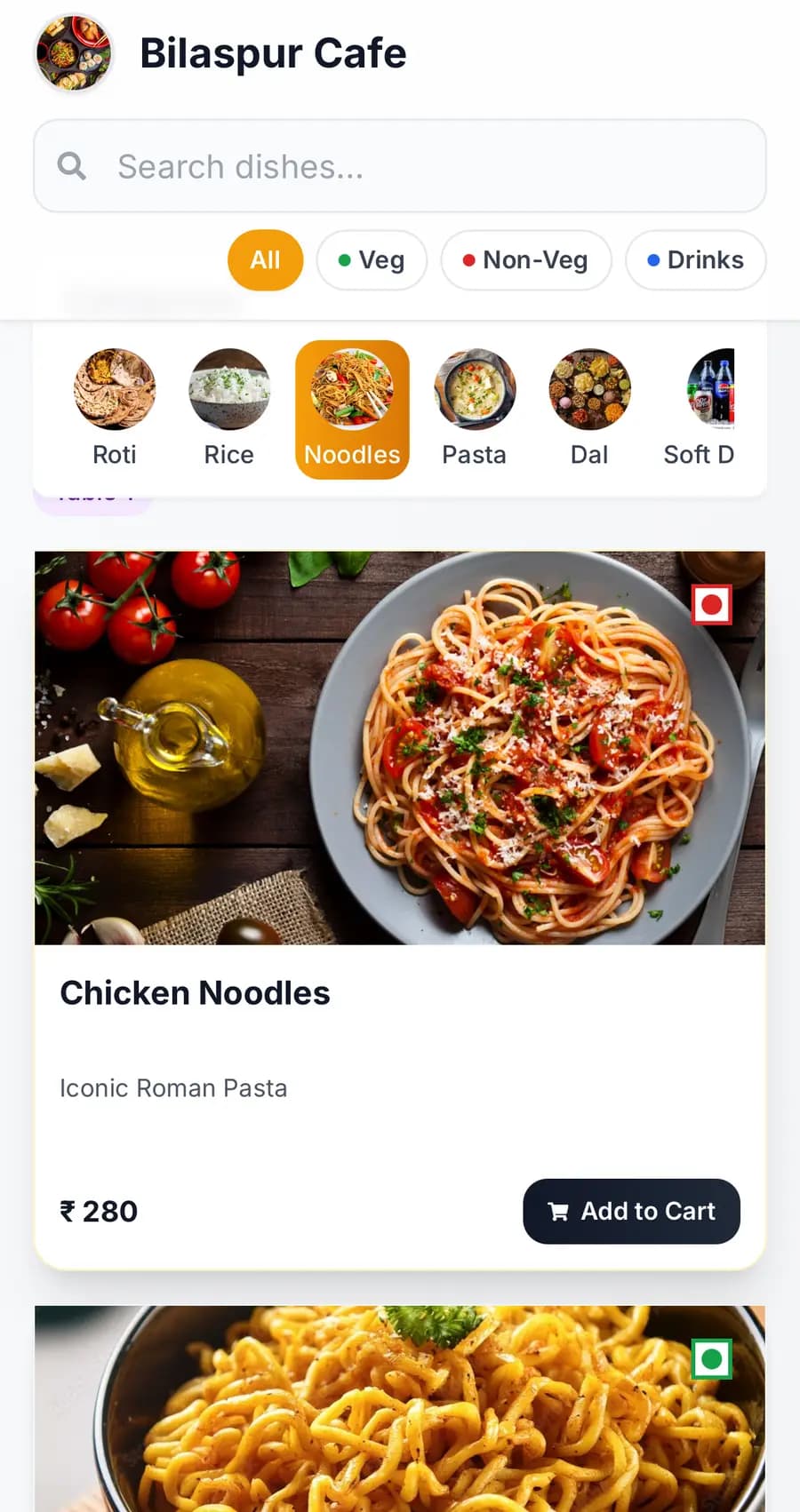
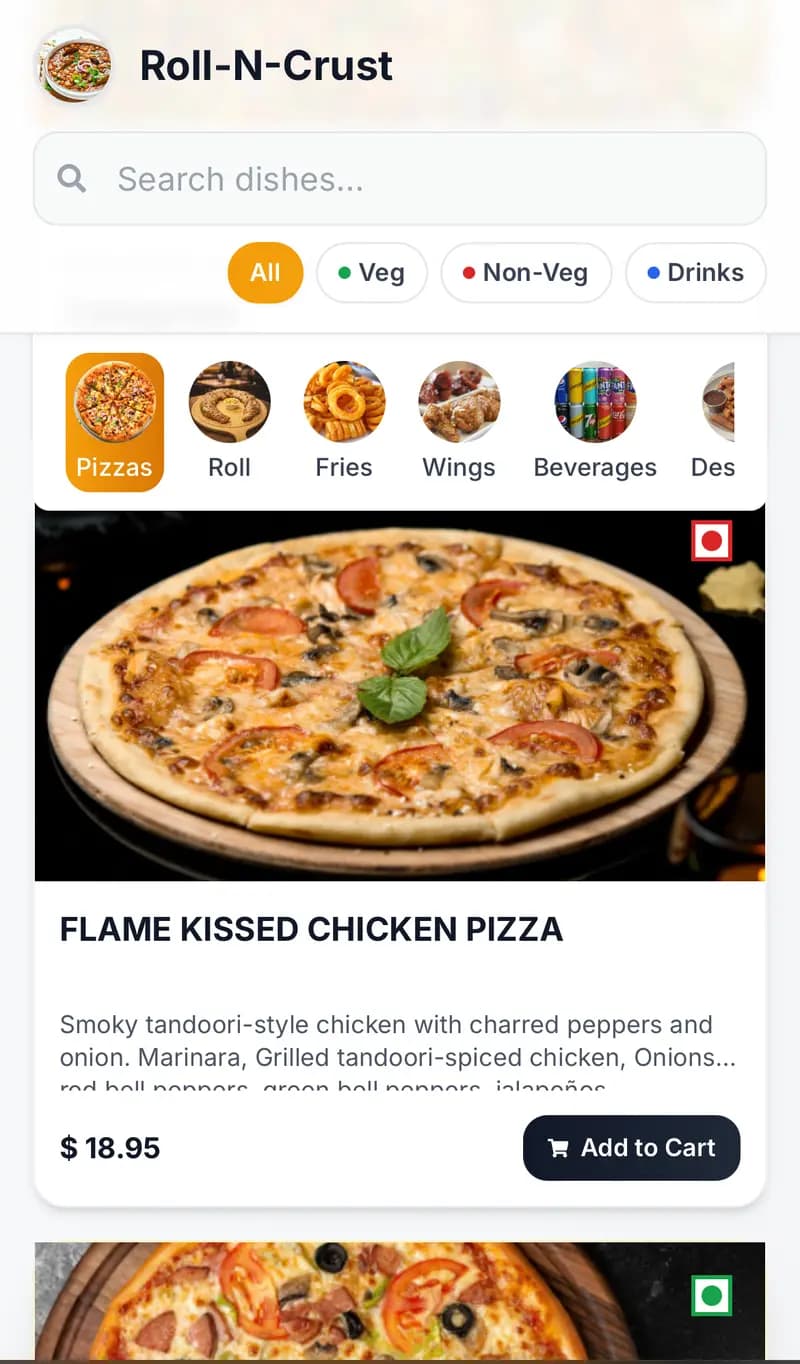
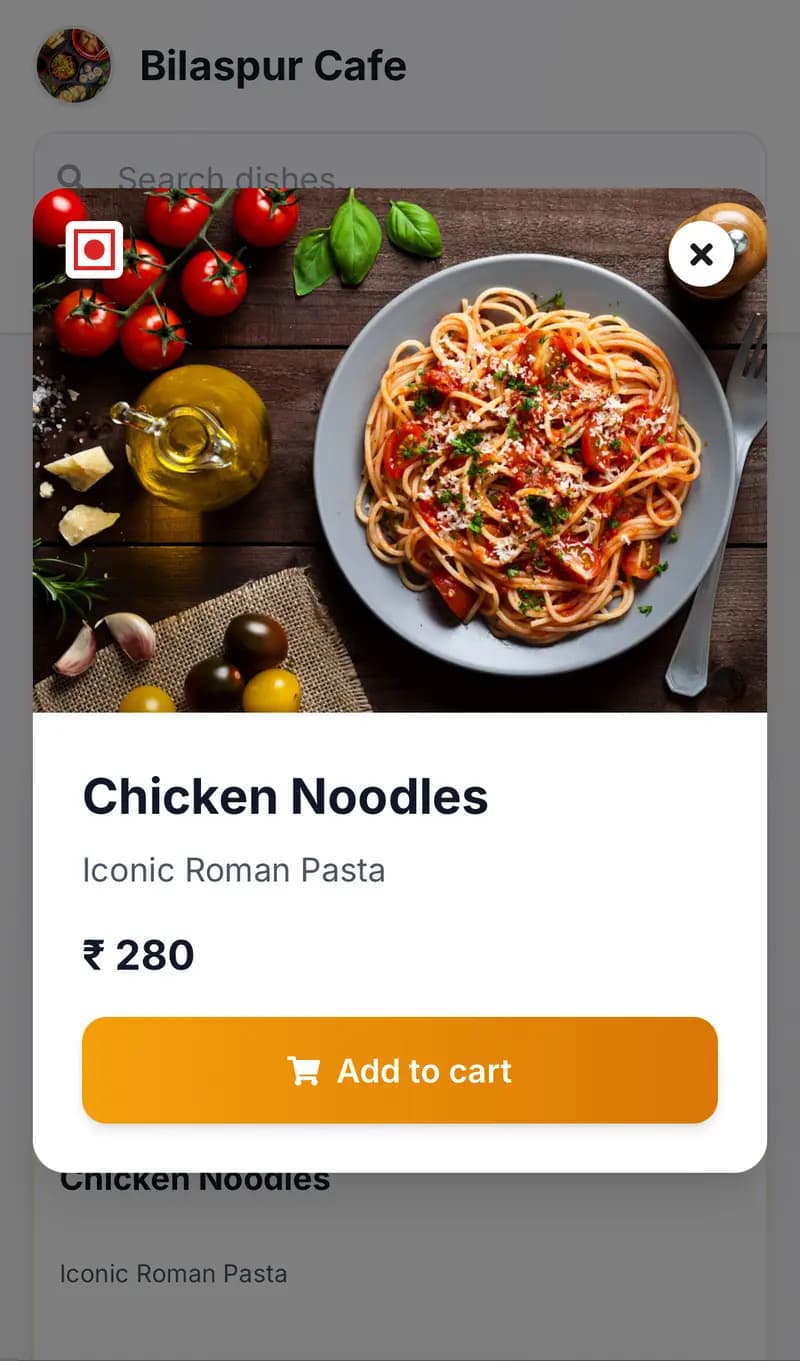
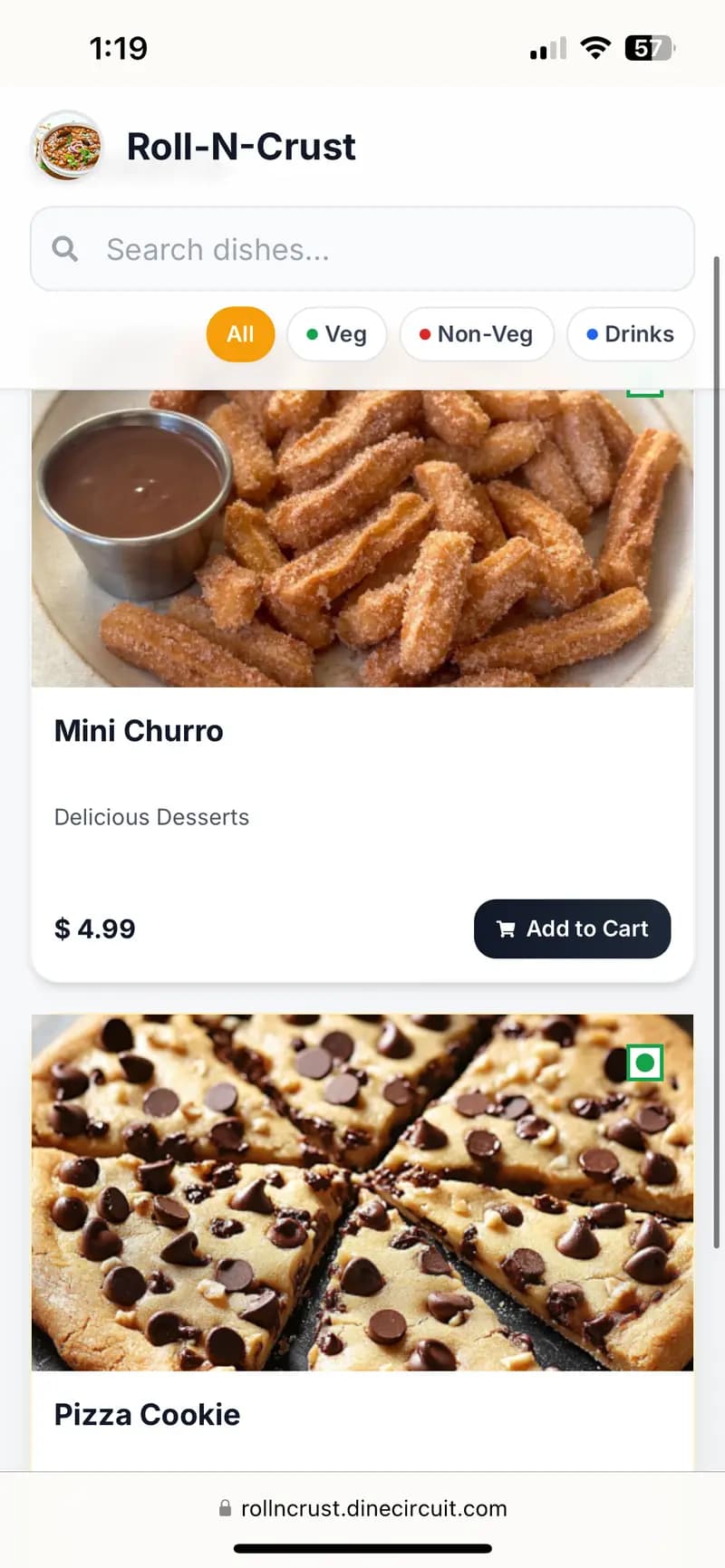
Create and update a digital menu for restaurants in real time — photos, prices, and categories in your restaurant management software.

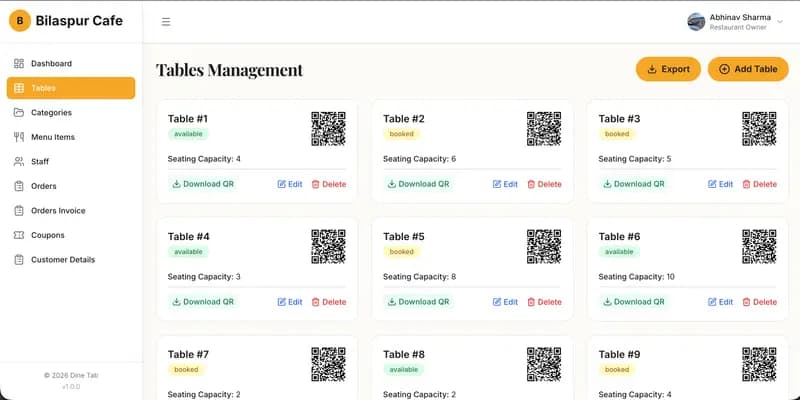
Map tables, reduce no-shows, and run the floor with restaurant table management software built for busy dining rooms.

Track best sellers, peak hours, and revenue with restaurant sales analytics so you can staff and stock with confidence.

Assign roles, permissions, and shifts with restaurant staff management software that keeps kitchen and floor aligned.
Guests scan a table QR and order on their phone — a restaurant ordering system that speeds service and lifts ticket size.
Accept secure restaurant POS payments with DineCircuit — checkout, reconciliation, and sales in one POS software.
How it works
Launch restaurant POS software and QR ordering in four steps — no technical team required.
Set up your restaurant profile in DineCircuit restaurant management software — photos, digital menu, and hours in minutes.
Map your floor with restaurant table management software and set availability for each table.
Go live with QR ordering so guests browse the menu and send orders straight to the kitchen.
Use restaurant sales analytics to raise table turns, add-on sales, and overall revenue.
Blog
Guides on restaurant POS software, QR ordering systems, staff management, and growing revenue with DineCircuit.
Assign roles, control access, and keep front-of-house and kitchen aligned with a clear team structure on your platform.
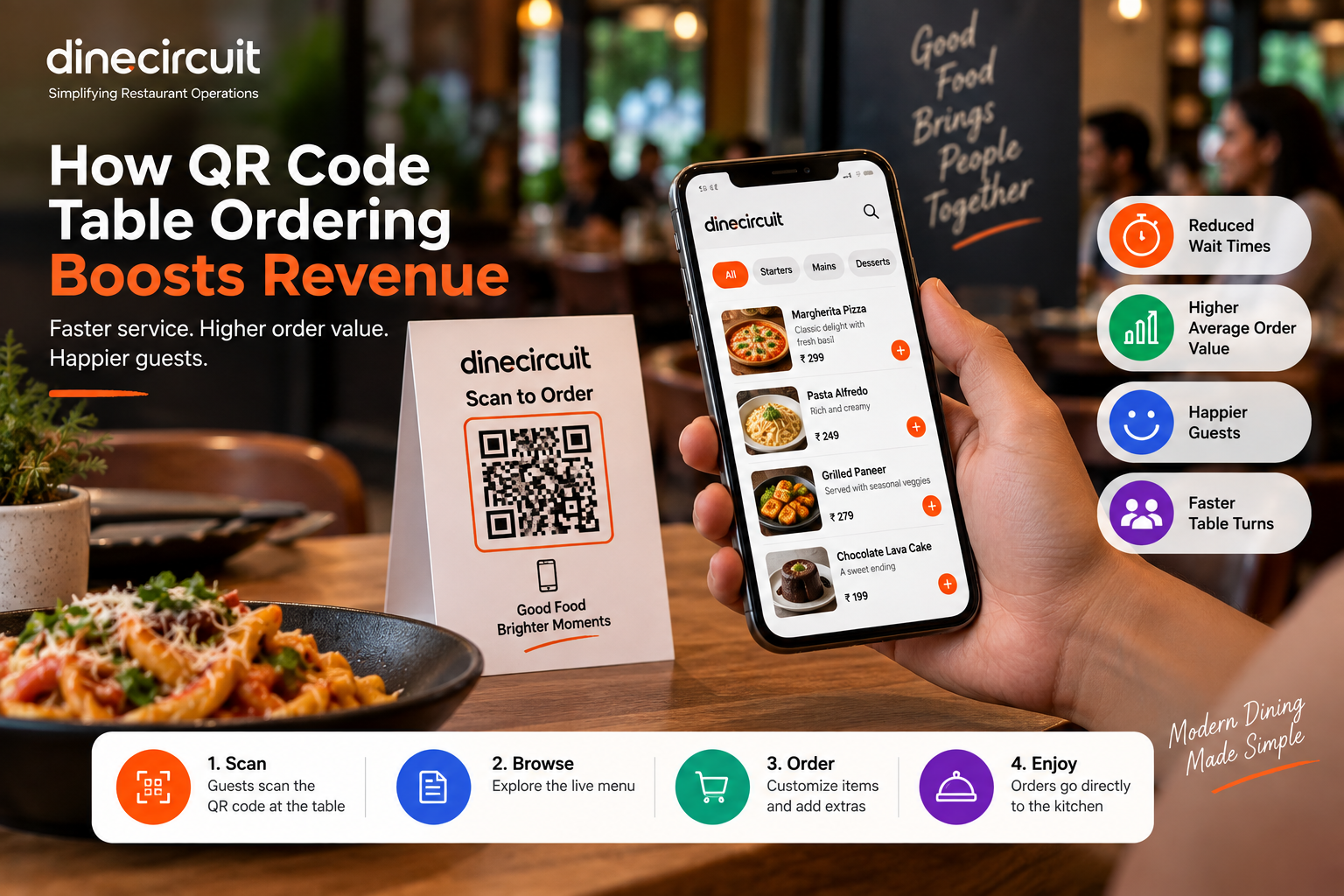
Learn how contactless QR menus reduce wait times, increase average order value, and keep guests happy during peak hours.
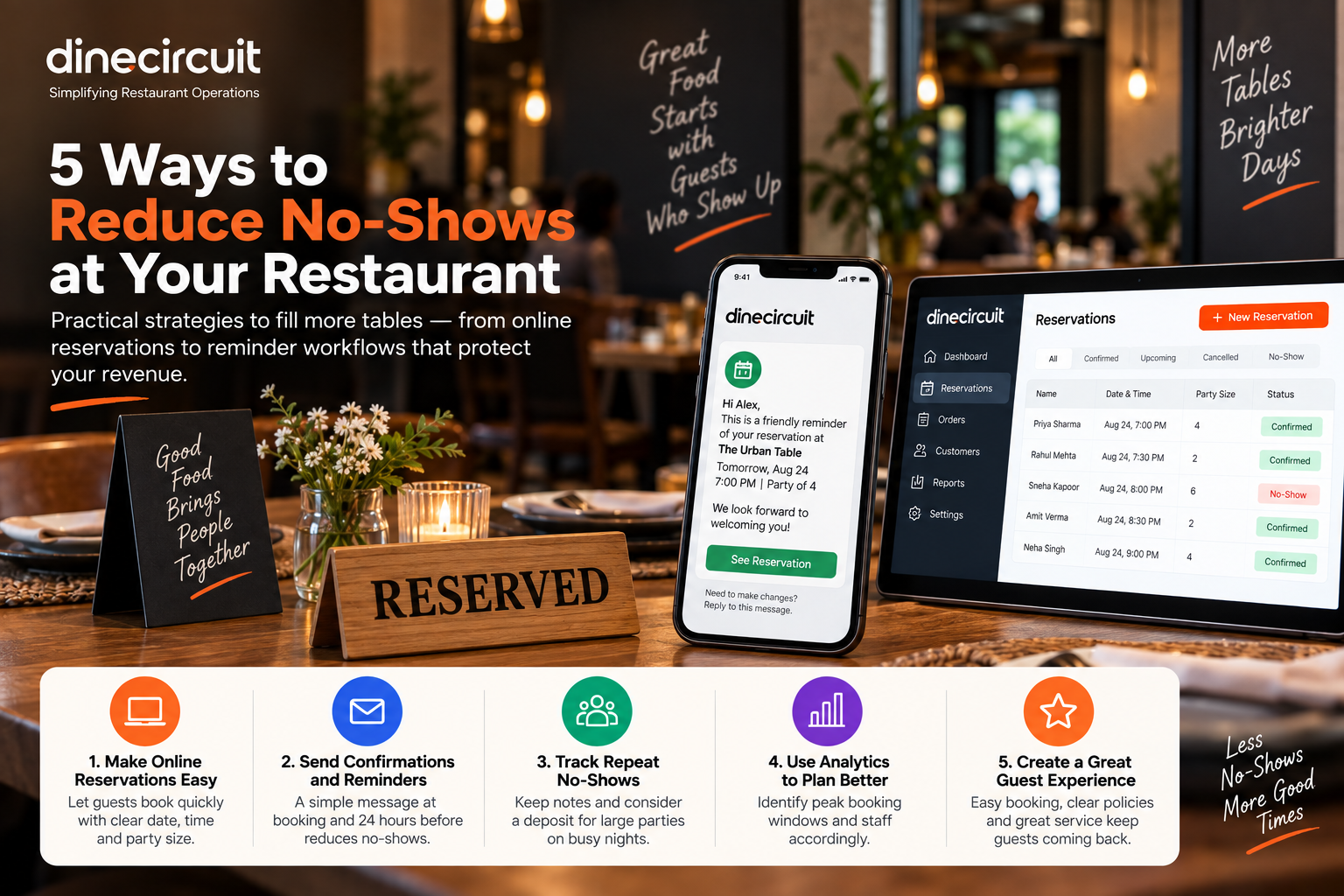
Practical strategies to fill more tables — from online reservations to reminder workflows that protect your revenue.
Reviews
Restaurant owners using DineCircuit POS and QR ordering to fill more tables.
“Dine Circuit transformed how we manage reservations. Our no-shows dropped by 40% in the first month alone.”

Marcus Chen
Owner, The Golden Fork
“The analytics dashboard alone paid for itself. We identified our peak hours and optimized staffing accordingly.”

Sarah Williams
Manager, Bistro 42
“Setup took less than an hour. Our customers love booking tables online — it's been a game changer.”

James Rodriguez
Chef & Owner, Casa Verde
Get started
Join restaurants running menus, QR ordering, tables, staff, and POS payments on DineCircuit. Start your free trial — no credit card required. Compare restaurant management software pricing or read the blog.
FAQ
Answers on DineCircuit restaurant management software, QR ordering, pricing, and AI digital menus.
No. DineCircuit restaurant POS software uses a flat monthly or annual plan — we do not take a cut of QR ordering or in-house sales.
Your 1-month free trial starts once your restaurant account is approved after signup.
Pick a monthly or annual plan to keep going. If you don't subscribe, dashboard access pauses until you do.
Upload a photo or PDF of your menu. AI builds a digital menu draft with items, prices, categories, and matching food photos for you to review.
Yes. Staff can add orders from the dashboard — ideal for walk-ins, phone orders, or when a guest can't scan.
Each table has a QR code. Guests scan, open your digital menu on their phone, and the restaurant ordering system sends tickets to the kitchen — no app download.
Membership
One plan for restaurant POS software: digital menu, QR ordering, tables, staff tools, and payments.